What is an HR support ticketing system?
An HR ticketing system lets employees create support requests for HR questions, policy issues, and general help. HR team members manage tickets, track resolution time, and maintain SLAs for faster service.
Centralize employee requests for HR help, benefits, policies, and general issues. Track resolution time and improve employee satisfaction.
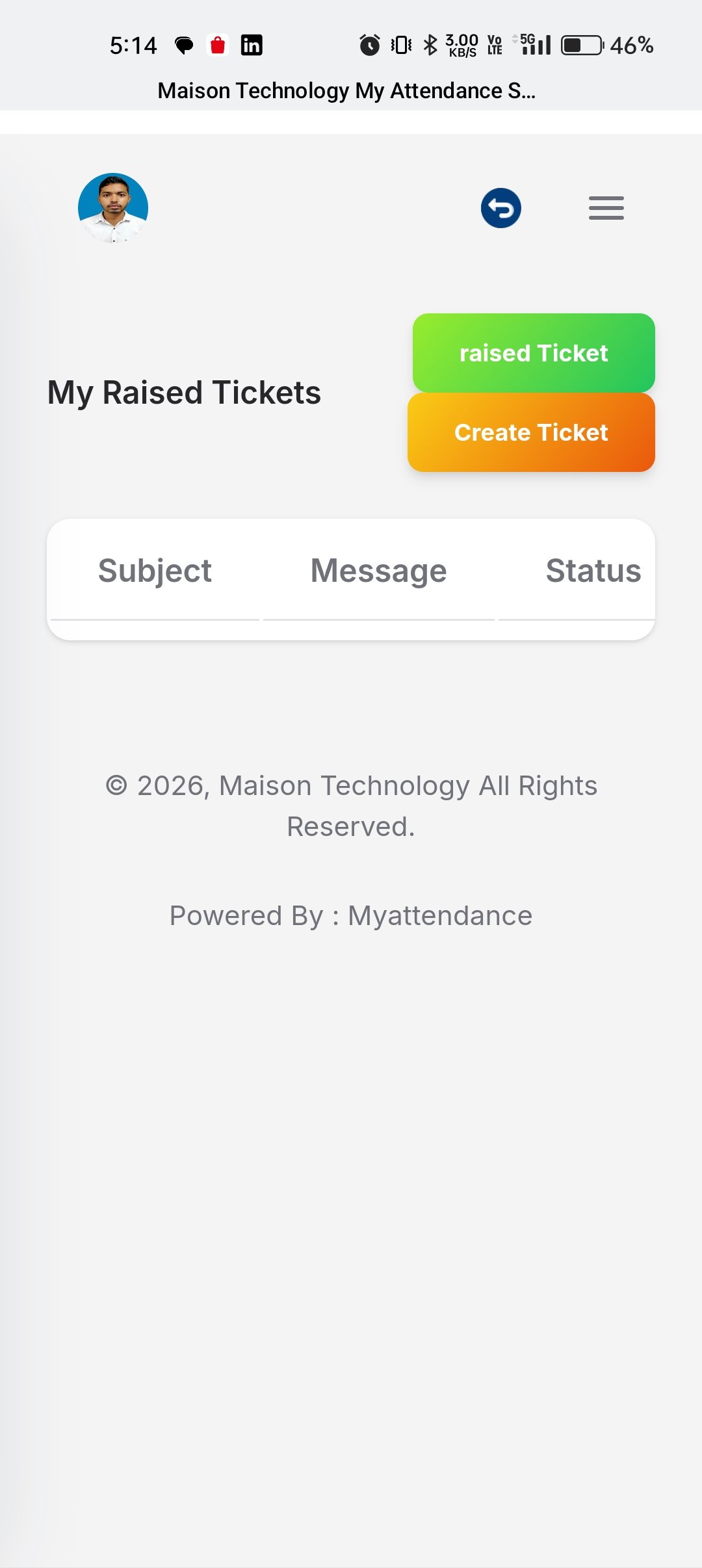
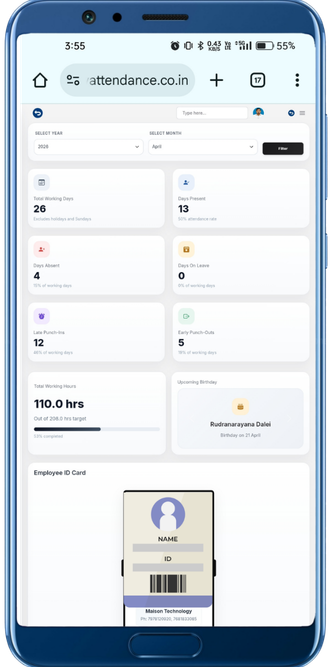
Centralize employee requests for HR help, benefits, policies, and general issues. Track resolution time and improve employee satisfaction.
Employees create support tickets for HR questions, policy clarifications, and requests. System auto-categorizes by type.
Assign ticket priority, set resolution SLAs, and escalate overdue tickets. Track response time and resolution metrics.
HR team members review, comment, and resolve tickets with a shared inbox. Track conversation history for continuity.
Build HR knowledge base articles. Suggest answers automatically when employees open tickets to reduce support volume.
Give employees a better support experience while keeping HR operations organized.
Review current requests, updates, and ownership from one centralized request queue.

Keep comments and request details together so teams can resolve issues with fewer back-and-forth loops.
Monitor support load, pending tickets, and turnaround trends directly inside the HRMS.
Support becomes easier to manage when every request has status, ownership, and full context.
Give users one reliable place to raise issues instead of guessing who to contact.
Assign support requests more cleanly so nothing gets lost between HR and operations teams.
Keep a searchable trail of the issue, updates, and resolution for future review.
Use support trends to improve HR workflows, staffing, and response quality over time.
Move from employee action to manager review and downstream HR operations with a cleaner workflow built for real business teams.
Employee submits HR request or issue with category, details, and attachments in the HRMS support ticketing system.
Ticket is assigned to HR team member based on category, availability, and skill. System suggests knowledge base answers.
HR member responds to ticket, discusses with colleagues if needed, and provides solution or escalates if required.
HR closes ticket when resolved. Employee confirms resolution and provides satisfaction rating for continuous improvement.
Answers for teams evaluating HRMS software, workforce workflows, and the day-to-day operations behind Tickets & HR Support.
An HR ticketing system lets employees create support requests for HR questions, policy issues, and general help. HR team members manage tickets, track resolution time, and maintain SLAs for faster service.
When employees open a ticket, the system suggests relevant knowledge base articles that might answer their question. This reduces ticket volume by 30-40% and improves employee self-service.
The system tracks ticket volume, average response time, resolution time, SLA compliance, and employee satisfaction ratings. These metrics help HR optimize processes and allocate resources.
Connect Tickets & HR Support with the rest of your HRMS stack through integrated approvals, data flows, and reporting.
Centralize employee help, policy questions, and HR service issues with ticket tracking, SLA visibility, and response history.