How does task management in HRMS work?
Task management lets managers assign work with deadlines and priorities. Employees log daily worksheet time against tasks, and managers track real-time progress and completion status.
Assign daily tasks, track worksheet completion, and capture work updates from every team member. Link tasks to attendance for complete visibility.
Assign daily tasks, track worksheet completion, and capture work updates from every team member. Link tasks to attendance for complete visibility.
Create tasks, assign to employees with deadlines and priorities. Track real-time progress and completion status in one dashboard.
Employees update their daily worksheet with task hours, work details, and deliverables. HR and managers verify worksheet accuracy.
Match worksheet and task time with attendance data to identify idle time, overwork, and productivity patterns.
Track completed tasks, task cycle time, team productivity, and individual performance with searchable history and reports.
Turn work updates into a structured operational view for managers and teams.
Review ownership, status changes, and due dates in a format that is easy to act on.
Keep visits, work notes, and supporting details organized around actual daily activity.
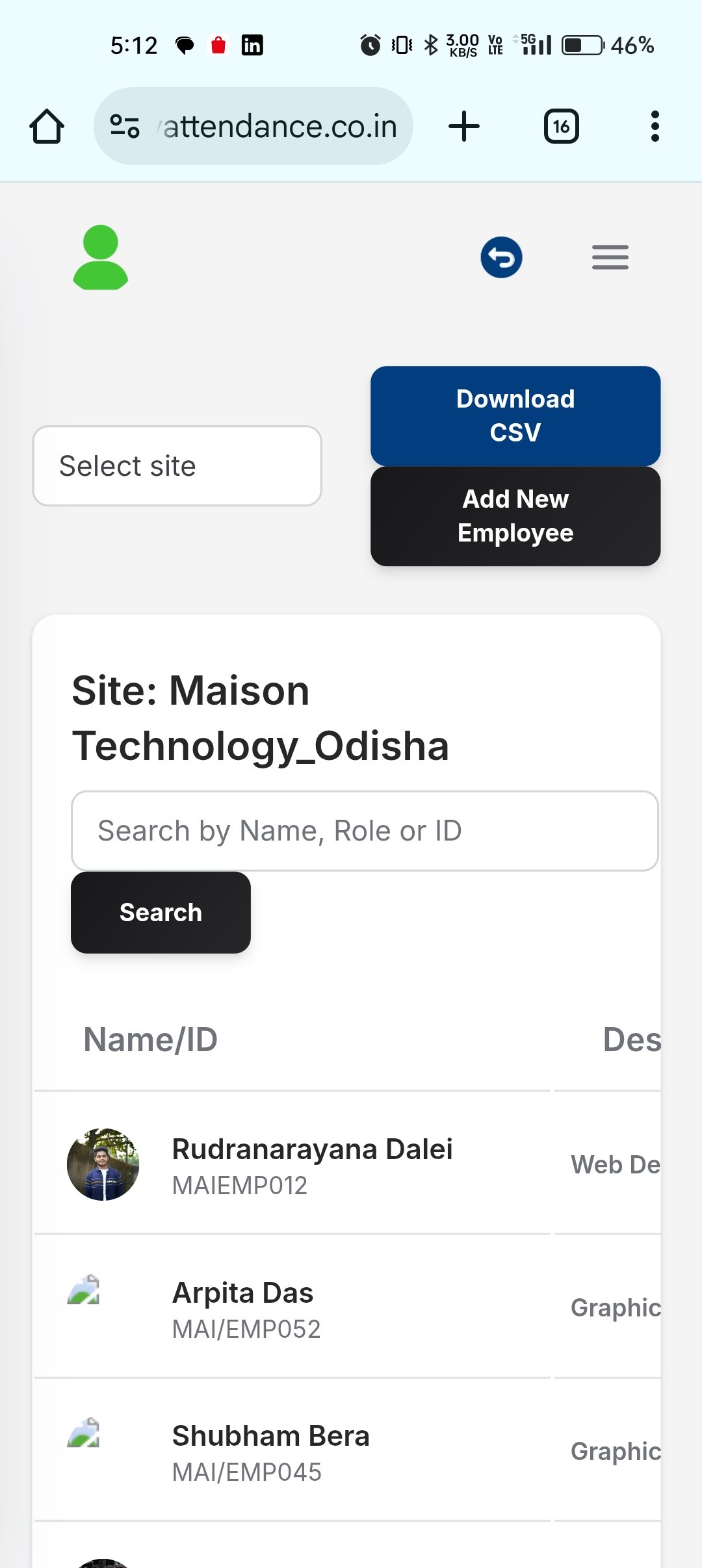
Monitor team execution without relying on separate spreadsheets or verbal follow-ups.
Make daily execution more visible, more consistent, and easier to review across departments.
Keep every assigned task tied to an owner, deadline, and status update.
Use worksheets to capture the day’s output, supporting notes, and field activity in one flow.
Use structured work updates to support performance reviews and operational decisions.
Let managers and employees work from the same status view instead of separate update channels.
Move from employee action to manager review and downstream HR operations with a cleaner workflow built for real business teams.
Manager creates task with title, description, priority, deadline, and assigns to employee or team in the task management system.
Employee captures hours, work details, and progress updates daily. System validates against attendance records for accuracy.
Managers review task updates, approve worksheets, and identify blockers or scope changes in real time.
System generates task completion, productivity, and workforce utilization reports for management review.
Answers for teams evaluating HRMS software, workforce workflows, and the day-to-day operations behind Task & Worksheet.
Task management lets managers assign work with deadlines and priorities. Employees log daily worksheet time against tasks, and managers track real-time progress and completion status.
The HRMS matches task hours with attendance records to identify idle time, extended working hours, and productivity gaps. This creates accurate workforce utilization data.
The system generates task completion rates, average cycle time, productivity by employee/team, idle time analysis, and resource utilization reports for capacity planning.
Connect Task & Worksheet with the rest of your HRMS stack through integrated approvals, data flows, and reporting.
Link assigned work, daily progress, and workforce utilization into a clearer task management workflow for teams and managers.