Change Requests

Attendance change requests with clear approval workflows

Allow employees to request corrections for punch errors, missed clock-ins, and shift adjustments. HR and managers approve with comments and audit trails.

Self-Service Request SubmissionMulti-Level ApprovalComments & Context Tracking
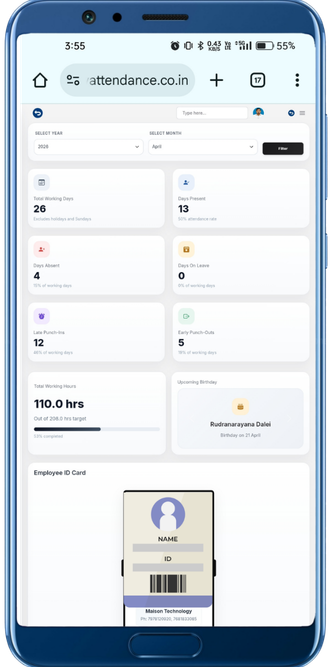
Change request screen
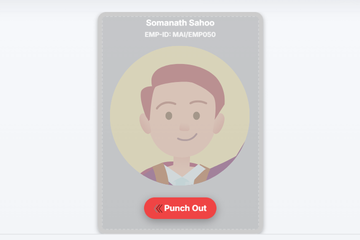
Attendance correction screen

Core Change Requests features for a stronger HRMS workflow

Allow employees to request corrections for punch errors, missed clock-ins, and shift adjustments. HR and managers approve with comments and audit trails.

Self-Service Request Submission

Employees submit change requests for attendance corrections with reason, supporting info, and date range.

Multi-Level Approval

Route requests through manager review, HR approval, and finance sign-off with configurable approval chains per request type.

Comments & Context Tracking

Managers and HR add comments at each approval step, creating a clear record of why corrections were approved or rejected.

Automated Payroll Updates

Approved corrections automatically update attendance records and recalculate payroll impact without manual adjustments.

See correction workflows with full review context

Make attendance corrections traceable instead of handling them informally across chats and calls.

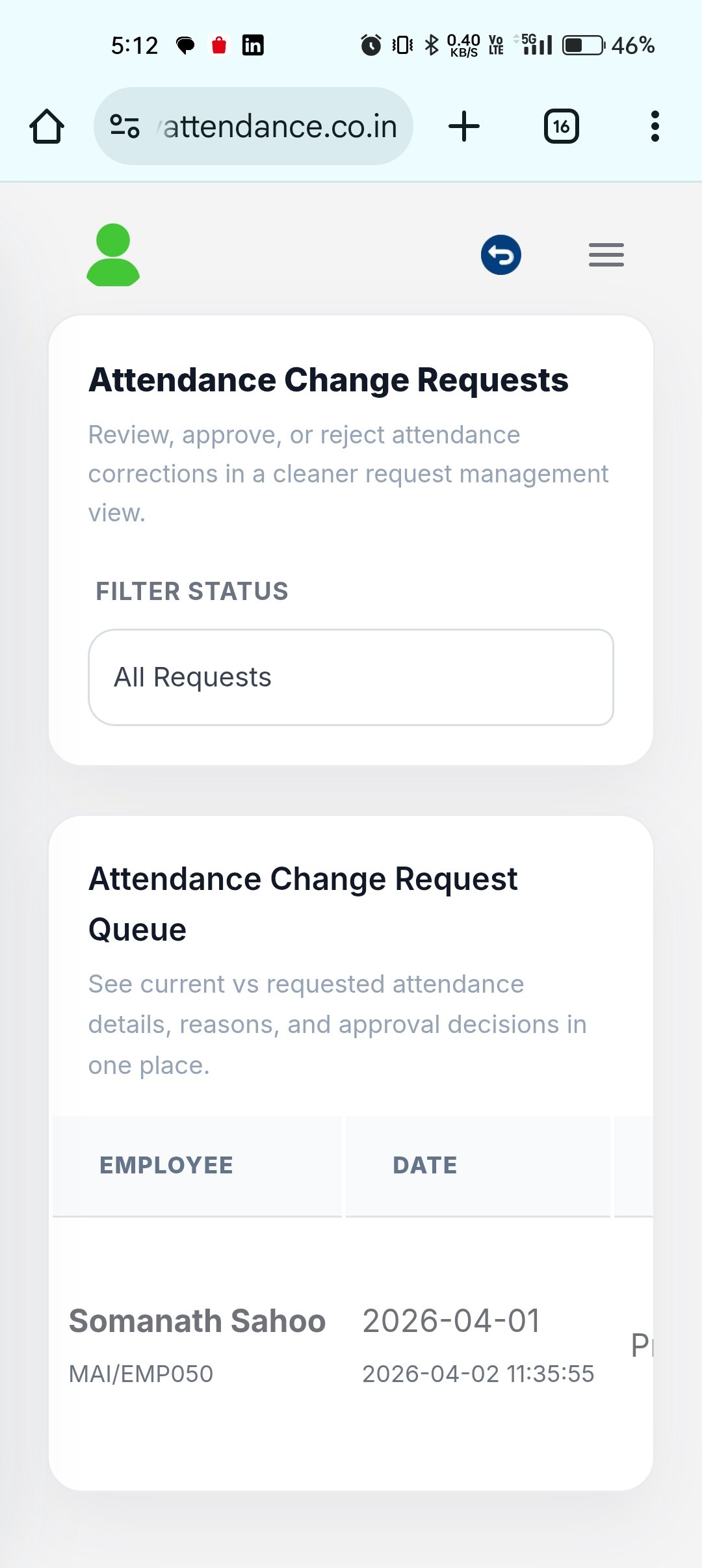
Change request queue

Request queue

Review submitted items, pending status, and current actions from one central request list.

Correction details

Correction details

Give approvers enough context to validate changes before approving attendance updates.

Approval dashboard

Approval dashboard

Track request flow and pending corrections without breaking the broader HR workflow.

Why teams need stronger change request flows

Protect attendance integrity while keeping correction handling fast and easy for employees and HR.

Fewer informal requests

Move correction requests out of chats and into a trackable workflow with proper review context.

Full audit history

Keep every change request linked to comments, timestamps, and approval actions.

Less HR follow-up

Give employees visibility into request progress so HR spends less time answering status questions.

Cleaner final records

Keep attendance and payroll records aligned by resolving corrections through one formal process.

How the Change Requests workflow runs day to day

Move from employee action to manager review and downstream HR operations with a cleaner workflow built for real business teams.

01

Employee Submits Change Request

Employee requests correction for missed punch, shift error, or overtime adjustment with reason and documentation.

02

Manager Reviews Request

Manager receives notification, verifies the request against team records and policies, and approves or requests more info.

03

HR Reviews & Approves

HR verifies request aligns with company policy, checks for patterns or abuse, and approves or rejects with comments.

04

Update Records & Notify

Approved changes update attendance records and payroll. Employee receives notification of approval status and effective date.

Change Requests FAQ

Answers for teams evaluating HRMS software, workforce workflows, and the day-to-day operations behind Change Requests.

What are attendance change requests in an HRMS?

Attendance change requests are employee requests to correct attendance data: missed punch-ins, incorrect shifts, or late approvals. HR and managers review, approve, and document changes for audit trail and compliance.

How do change requests prevent abuse?

The system tracks all change requests, approval chains, and comments. HR can set frequency limits, require manager approval, and review patterns to identify and prevent unauthorized adjustments.

When do approved changes take effect?

Approved changes update attendance records immediately and are reflected in the next payroll cycle. If the payroll was already finalized, adjustments are tracked separately for the following cycle.
Review attendance corrections with a clean audit trail

Move missed punches and attendance adjustments through a structured approval flow that protects payroll accuracy.