What is an employee management system in HRMS?
An employee management system centralizes all employee data: personal details, employment history, documents, contracts, and role assignments in a secure database accessible to authorized HR staff.
Keep employee profiles, documents, contracts, and workforce data organized in one secure location accessible to HR and management.
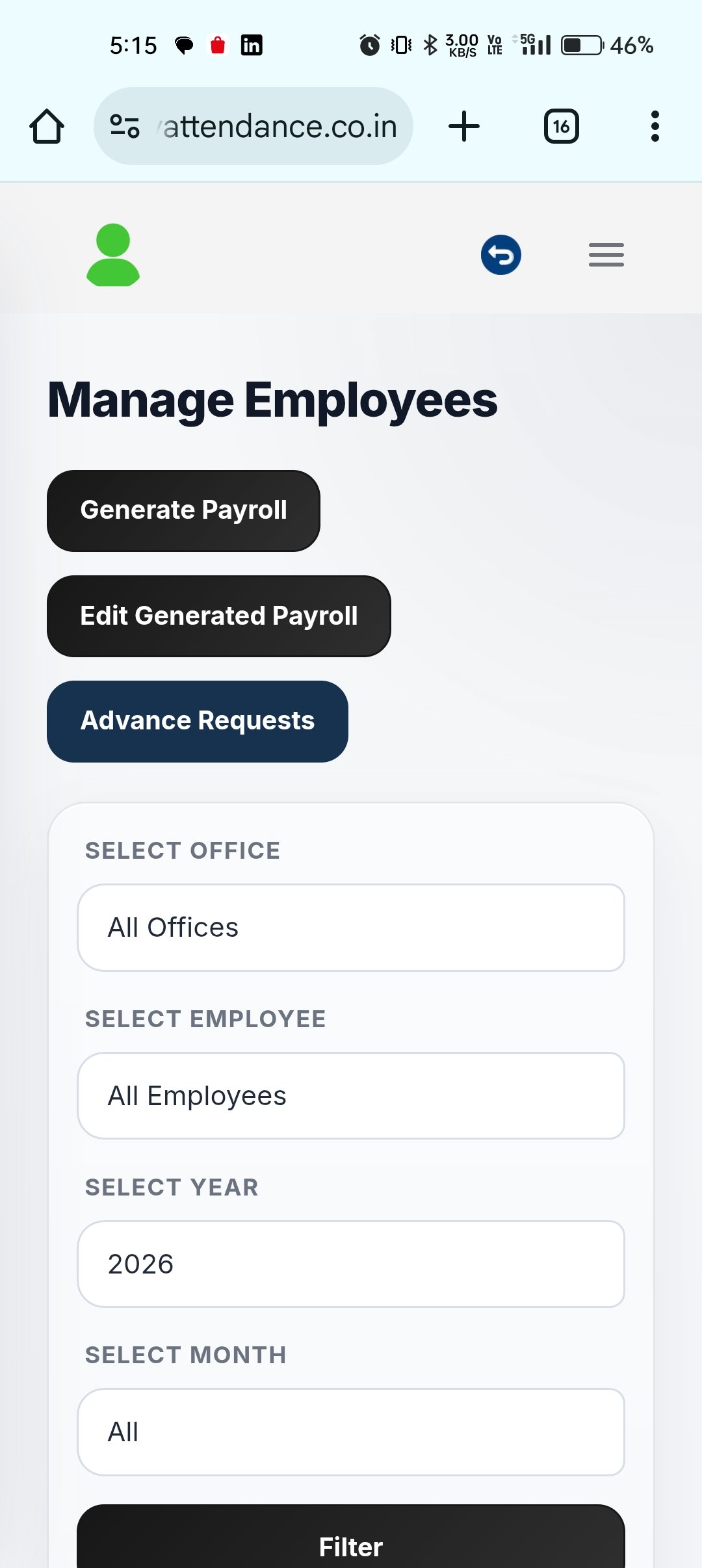
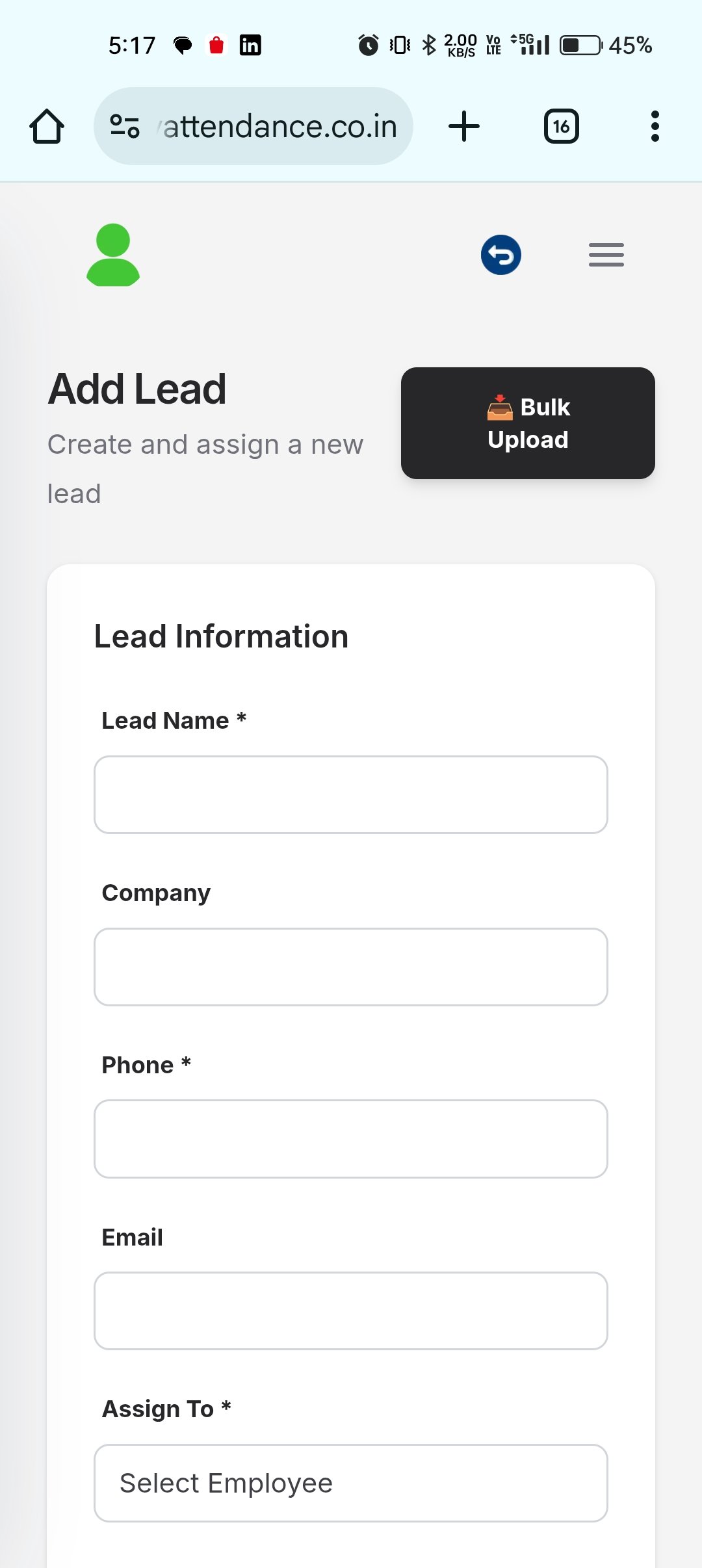
Keep employee profiles, documents, contracts, and workforce data organized in one secure location accessible to HR and management.
Store complete employee profiles with personal details, employment history, contract info, and custom fields for your organization.
Upload and organize employee documents: resumes, contracts, certifications, compliance forms, and approvals with version control.
Assign roles, departments, cost centers, and reporting structures. Update employee hierarchy and access rules in one place.
Search employees by any field, export workforce reports, and generate headcount and compliance summaries on demand.
Manage hiring additions, status changes, and workforce information from a cleaner HR workspace.
Review workforce data in one place without shifting between separate sheets and forms.
Create and update records faster with structured forms that guide HR through the right details.
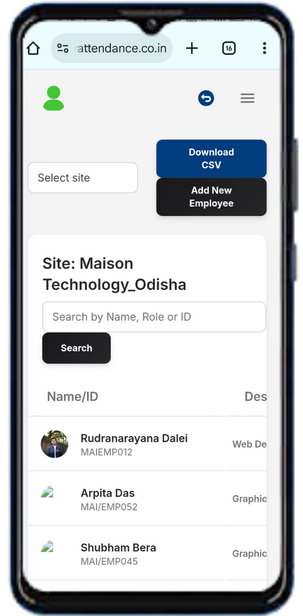
Connect attendance, payroll, and department data back to the employee record that drives operations.
Accurate employee data makes attendance, payroll, requests, and reporting more dependable.
Use one trusted employee record instead of rebuilding the same data across multiple tools.
Find the information you need quickly during onboarding, changes, reviews, and support cases.
Keep updates traceable and easier to review as teams scale and employee records become more complex.
Support downstream modules like payroll, attendance, and approvals with cleaner base employee data.
Move from employee action to manager review and downstream HR operations with a cleaner workflow built for real business teams.
HR enters employee details in the HRMS employee management system with personal, employment, and bank information.
HR uploads contract, ID, qualifications, and compliance documents into the employee's secure record.
Set employee role, department, manager, and access permissions for HRMS features and employee self-service.
All employee record changes are logged with timestamps and user names for audit trail and compliance verification.
Answers for teams evaluating HRMS software, workforce workflows, and the day-to-day operations behind Employee Records.
An employee management system centralizes all employee data: personal details, employment history, documents, contracts, and role assignments in a secure database accessible to authorized HR staff.
Documents are stored with role-based access control, encryption, and audit trails. Only authorized HR staff and employees can view their own records based on configured permissions.
Yes. The system logs all changes to employee records with timestamps and user information, creating an audit trail for compliance and dispute resolution.
Connect Employee Records with the rest of your HRMS stack through integrated approvals, data flows, and reporting.
Keep contracts, profiles, and workforce history organized in one secure employee management system for HR teams.