What is an expense management system?
An expense management system lets employees submit claims with receipt photos and descriptions. Managers and finance approve claims, system validates policy compliance, and automatically processes reimbursement.
Capture expense claims, receipts, approvals, and payment history in one place. Reduce reimbursement cycle time and ensure policy compliance.
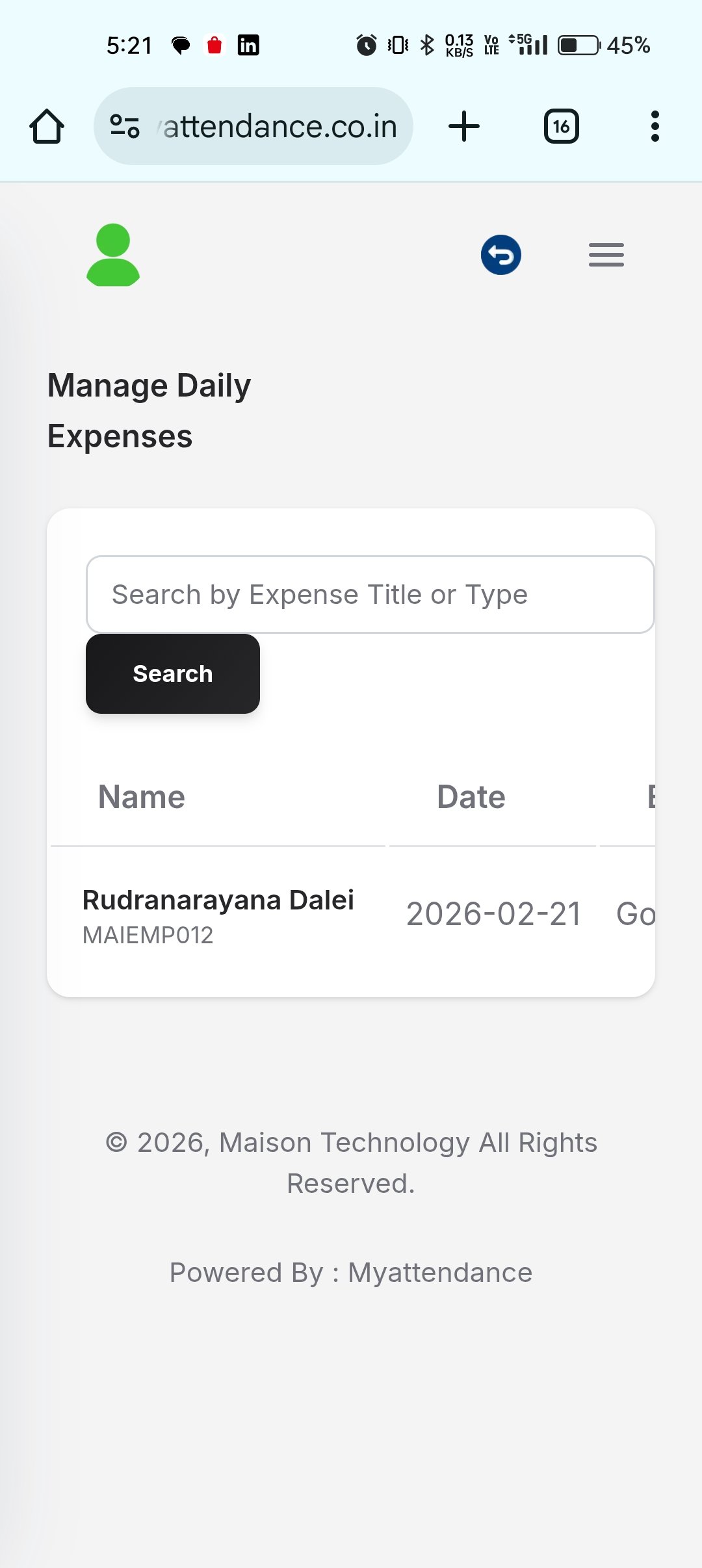
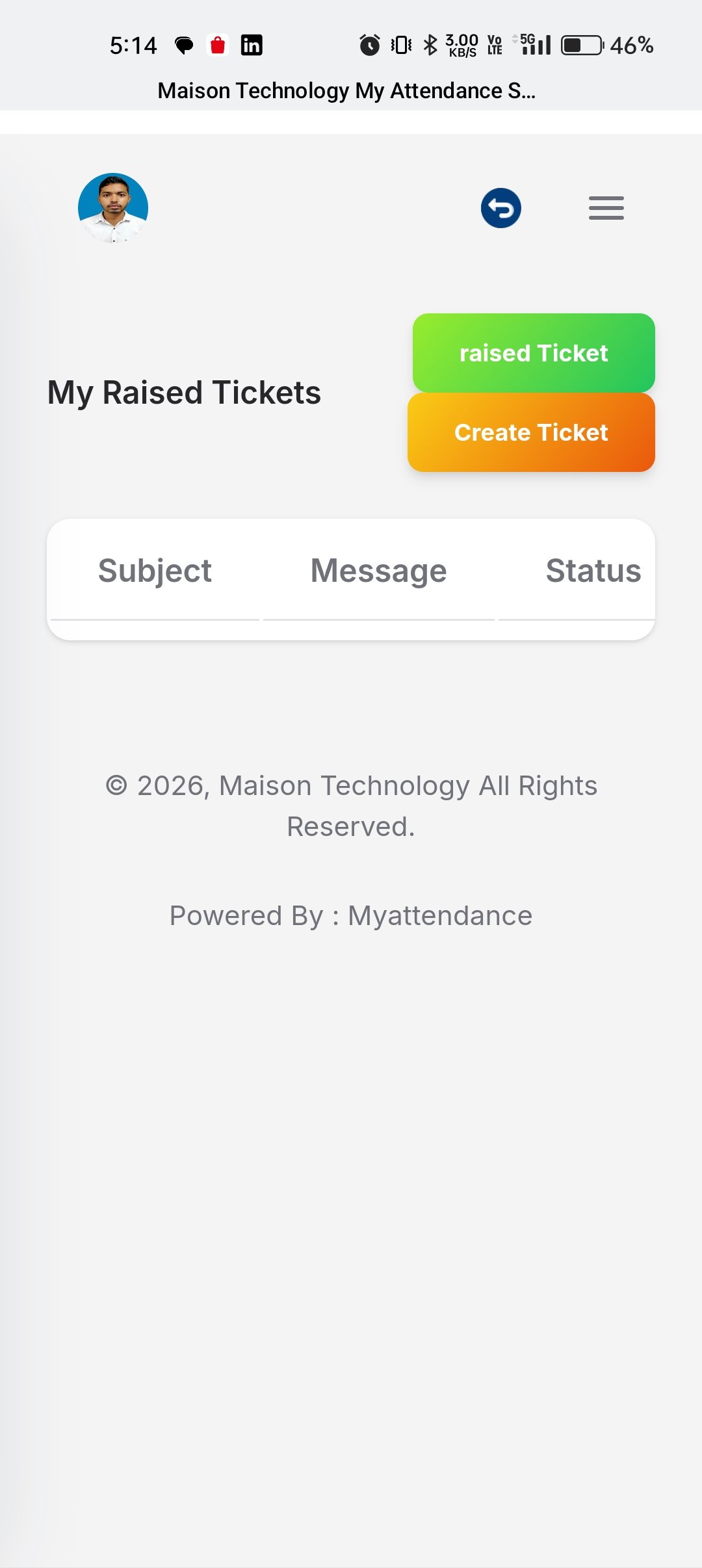
Capture expense claims, receipts, approvals, and payment history in one place. Reduce reimbursement cycle time and ensure policy compliance.
Employees photograph receipts, enter amount and category. System auto-extracts receipt data to reduce manual entry.
System validates expenses against company policy, flags policy violations, and alerts employees before submission.
Route expense claims through manager review and finance approval. Track approval chains, comments, and rejection reasons.
Approved expenses integrate with payroll for automatic reimbursement or link to accounting for settlement tracking.
Keep claim data organized from submission through review and closure.
Submit business expenses with cleaner structure so reviewers get the information they need early.
Track request progress and pending reviewers from a clear workflow status view.
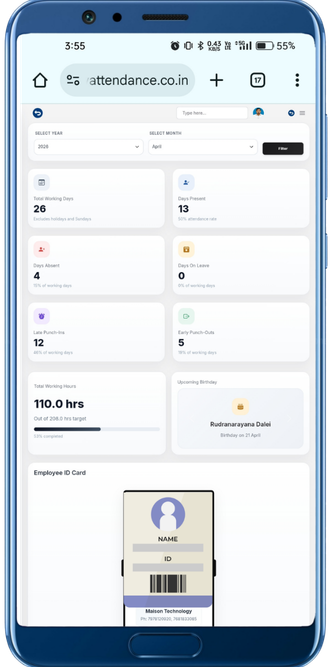
Monitor claim patterns and pending requests alongside broader HR and workforce activity.
Keep expense claims easier to review and reduce the friction around approvals and settlement tracking.
Give approvers better context so claims move faster with fewer missing details.
Keep expense requests tied to the right notes and request history for cleaner processing.
Track what is pending, approved, and settled without splitting data across different tools.
Use expense data to understand spending patterns and support tighter operational decisions.
Move from employee action to manager review and downstream HR operations with a cleaner workflow built for real business teams.
Employee enters expense details, photographs receipt, and categorizes in the expense management system.
System checks expense against category limits, policy rules, and flags any violations for employee confirmation.
Manager reviews expense claim, verifies receipts are clear, checks budget, and approves or requests revision.
Finance team processes approved expenses, settles to bank account or payroll, and sends confirmation to employee.
Answers for teams evaluating HRMS software, workforce workflows, and the day-to-day operations behind Expense Management.
An expense management system lets employees submit claims with receipt photos and descriptions. Managers and finance approve claims, system validates policy compliance, and automatically processes reimbursement.
Employees photograph receipts using the mobile app or upload images. The system uses OCR to auto-extract amount, date, and merchant details, reducing manual data entry by 80%.
With automated validation and approval, most expenses are reimbursed within 3-5 business days. Critical expenses can be fast-tracked for same-day processing.
Connect Expense Management with the rest of your HRMS stack through integrated approvals, data flows, and reporting.
Capture claims, approvals, and settlements in one HRMS workflow that keeps finance, managers, and employees aligned.